

The passenger app for airlines
Their flight. The city after they land.
Passengers open a link from you. They see their flights, your check-in and manage-booking pages, and the destination. Visby does not check anyone in or change a seat.
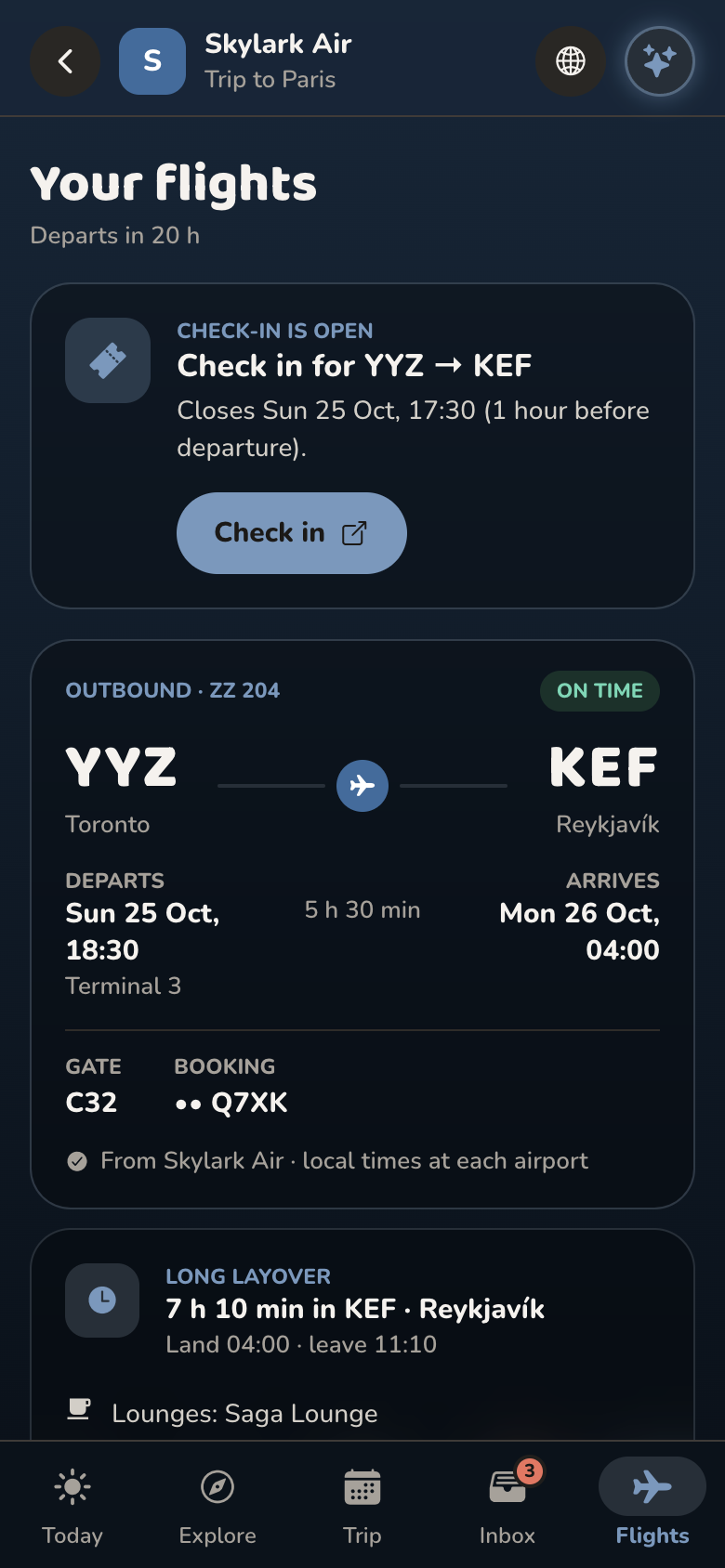
This is what passengers see.
Your name on the journey. Their flights, your check-in, and the city they land in. Nothing to download.
Sample airline, Skylark Air. Toronto to Paris. Nothing is saved.
From the ticket to the city
Check-in stays on your site. The trip around the flight does not need an app team.
 1
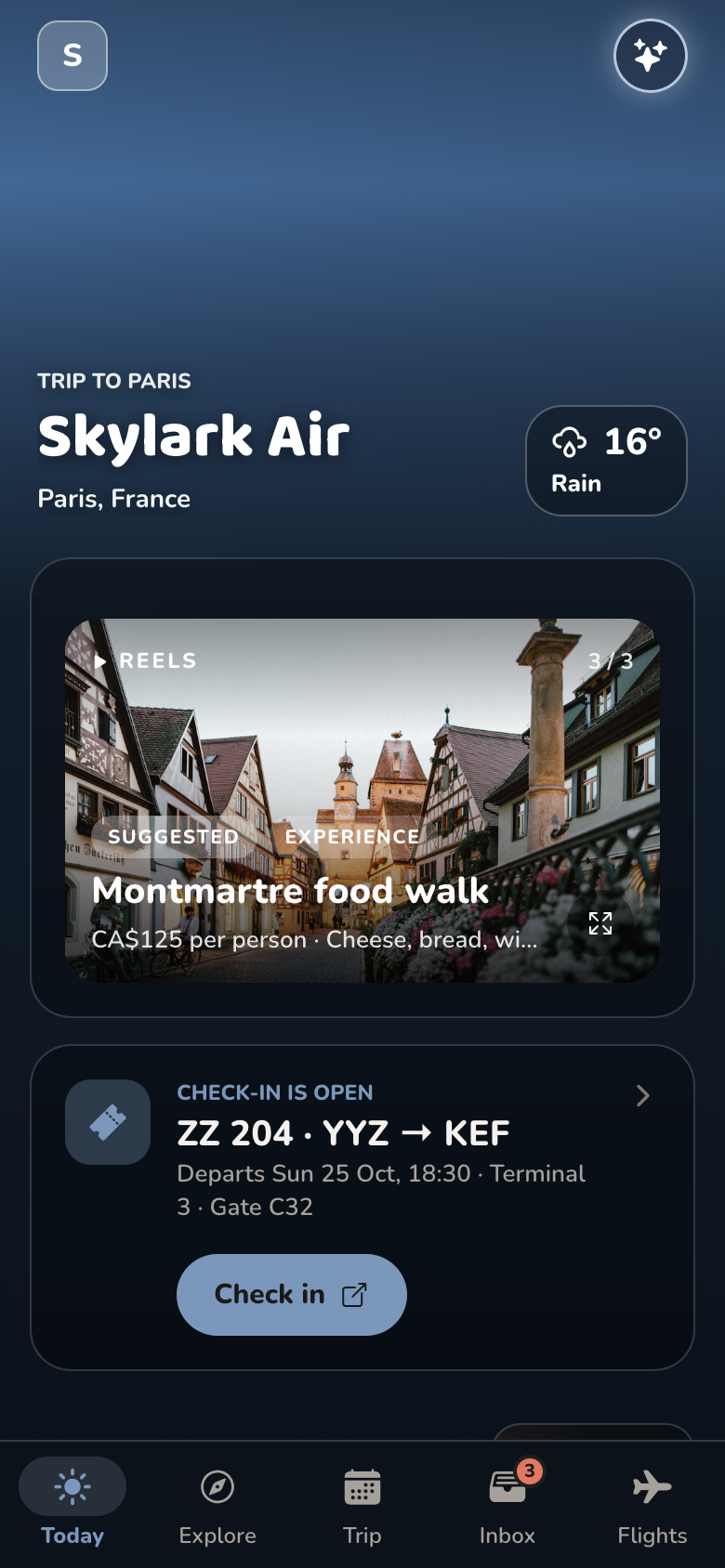
1Passengers open a link
No app store build. The journey opens on their phone, in your name.
- 2
The flight stays yours
Check-in, seats, and changes open your site. Visby does not rebook anyone.
 3
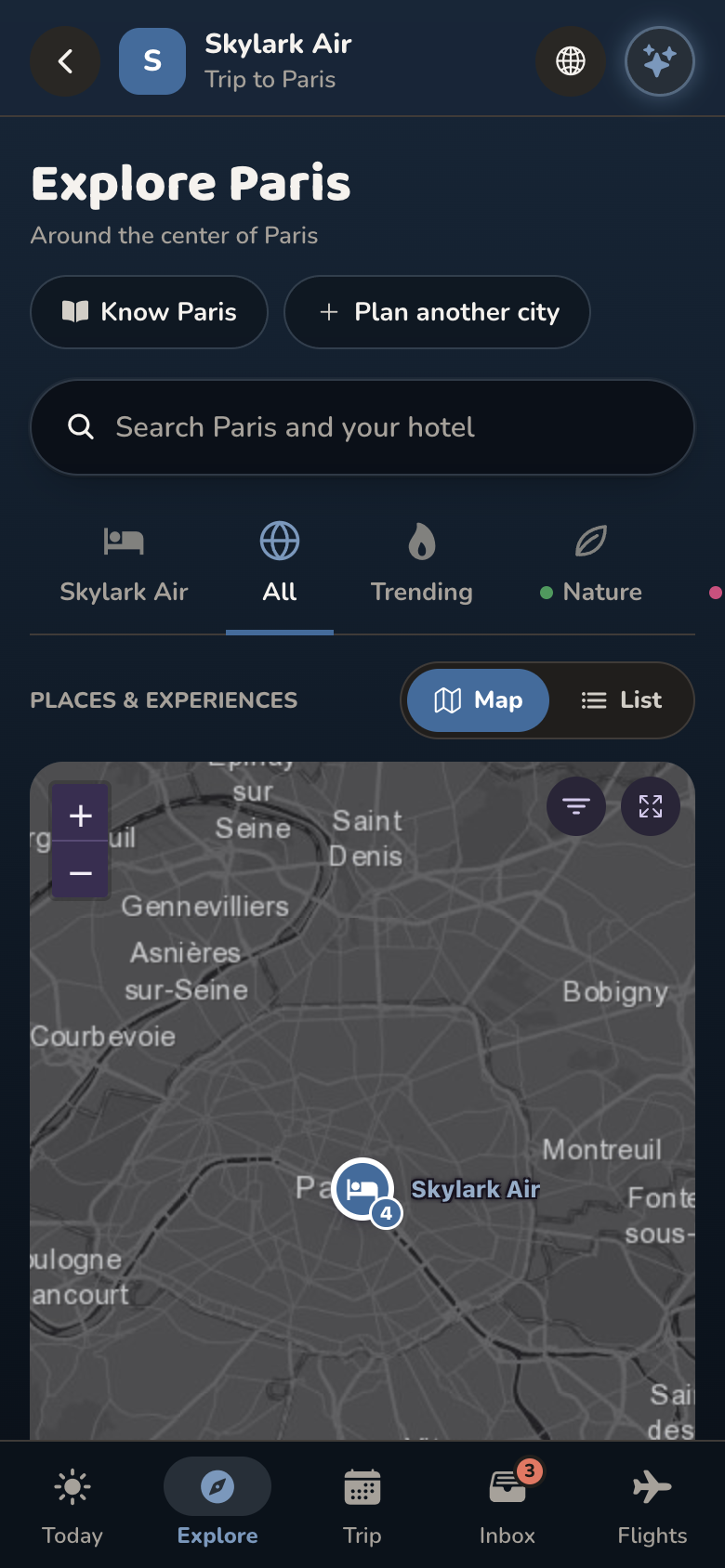
3The city is in the same place
Airports, weather, and the destination, from landing to the return flight.
 4
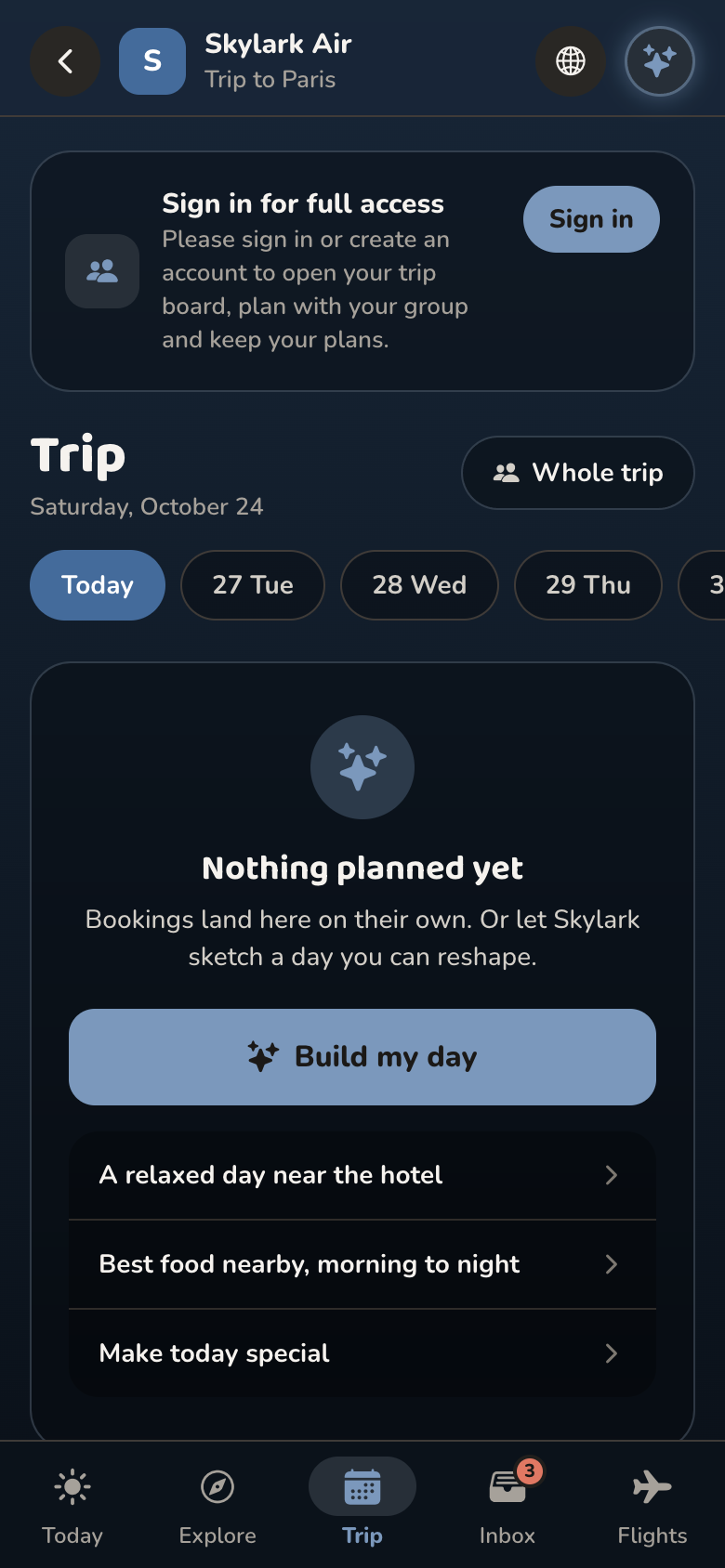
4The days sit on one board
What you offer, and what they plan, between the outbound and the flight home.
No passenger app to build
What passengers get, next to the usual ways of handling the trip after the ticket.
| Your own app | Email and the web | Visby | |
|---|---|---|---|
| How passengers get it | ✕ App Store download | An email | ✓ A link from you |
| Check-in and changes | ✓ In your app | ✓ On your site | ✓ On your site |
| The city after landing | Another app | ✕ Their own search | ✓ In the same place |
| Your notes and FAQs | If you build them | A PDF | ✓ On the flight |
| Time to show a passenger | ✕ Months | What you send today | ✓ A demo, then your pages |
Questions airlines ask
The sample is a fictional carrier. A demo is 30 minutes, on your pages.
Do passengers need to download an app?
No. They open a link from you, and the journey opens on their phone. Travelers who already use Visby can open it there too.
Does Visby check passengers in or change a seat?
No. Check-in, manage booking, baggage, and help open your own pages. Visby does not rebook anyone.
What do passengers see?
Their flights, the airports on the trip, and the city from landing to the return flight. Your notes, FAQs, and the partner experiences you turn on sit in the same place.
We already have an airline app. Where does this fit?
Next to it. Check-in and changes stay where they are. This is the trip around the flight: the destination, and a place for what you want passengers to know.
What is the sample?
A fictional carrier, Skylark Air, flying Toronto to Paris with a layover in Reykjavík. It is there so you can click through. It is not your brand.
What does it cost?
There is no public rate card. The first step is a 30-minute look at the sample against your pages.